VAT in Personal + business mode
Record the net amount, VAT and total on each transaction when Personal + business mode is enabled.
Personal and company expenses
Track income and expenses, manage accounts and follow what you owe or are owed. Start in Personal mode and enable Personal + business when you need VAT and reimbursements.
30-day trial for eligible accounts. Subscription starts through Stripe; cancel before the trial ends to avoid the plan charge.
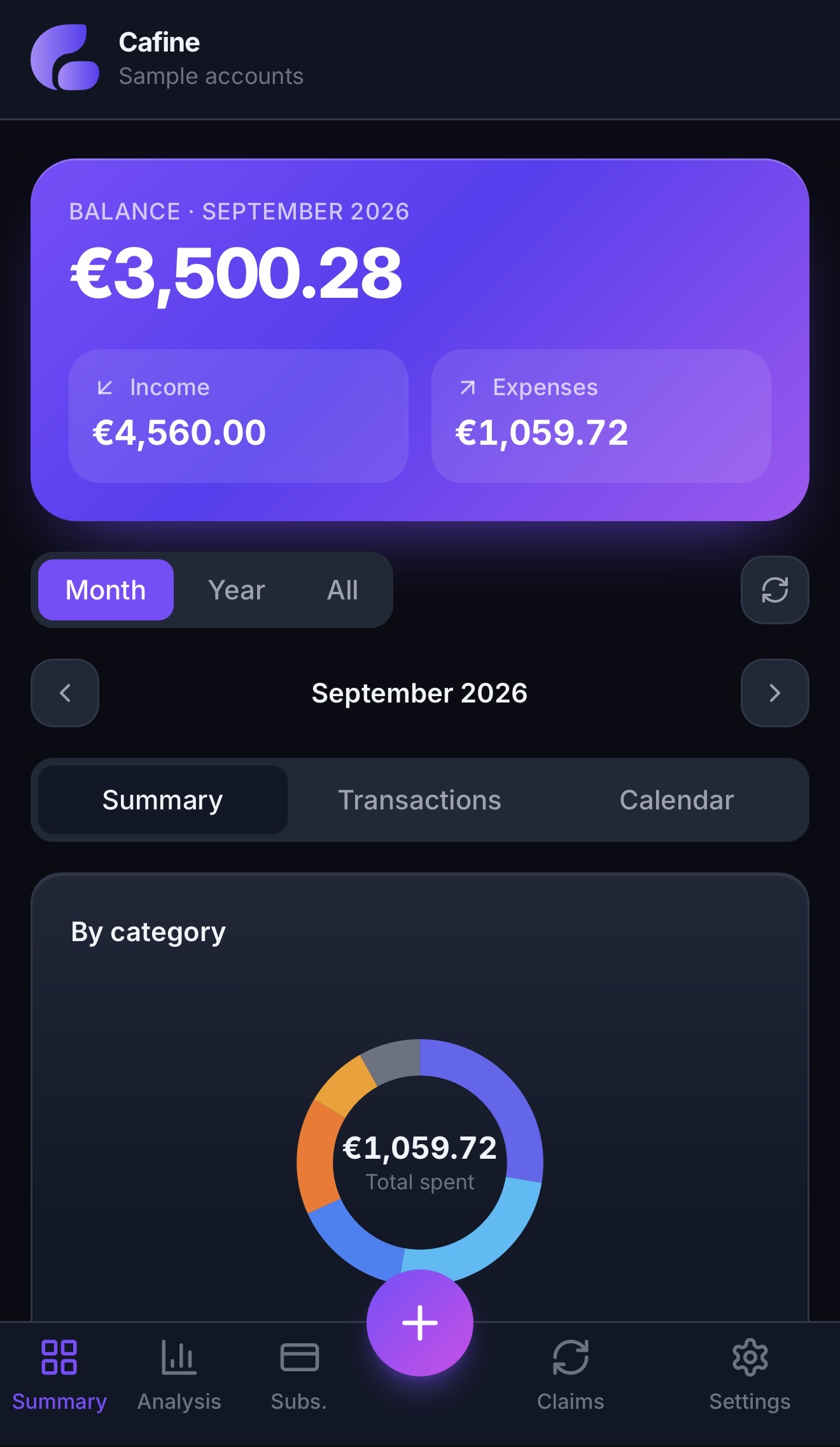
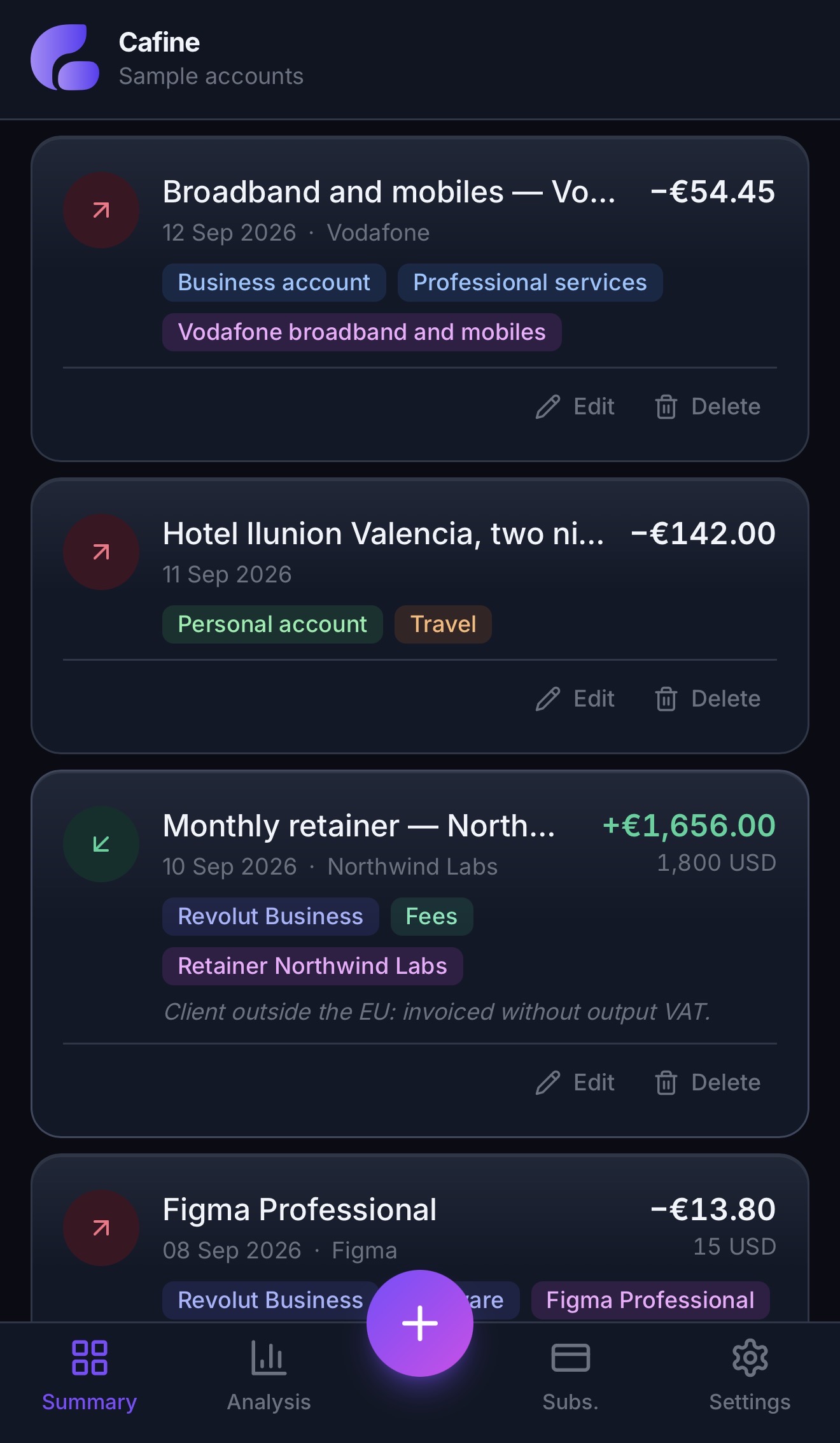
Two modes to suit your needs.
In Personal + business mode.
Record repayments and track balances.
Limits, balances and due dates.
Amounts kept separate by currency.
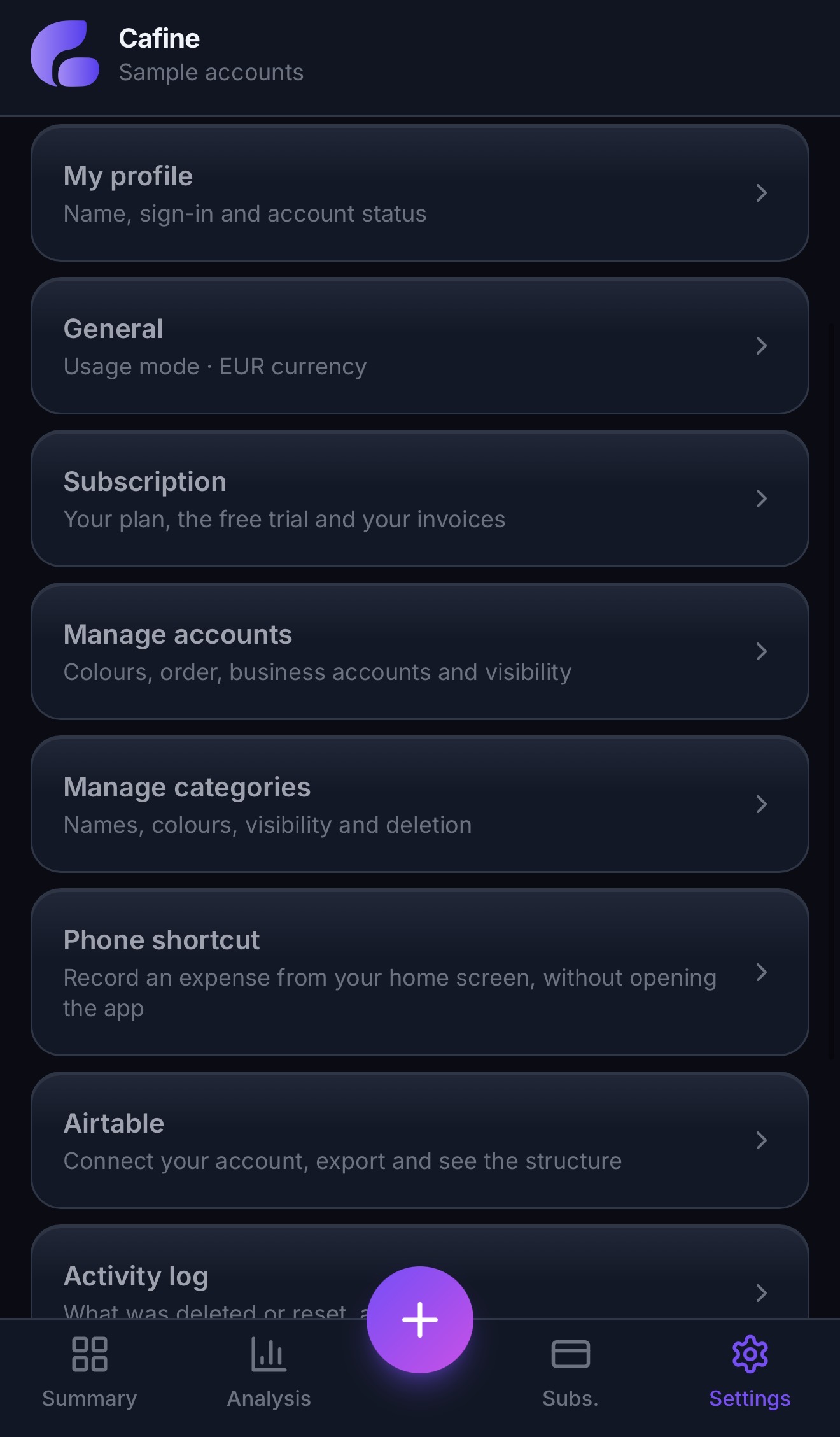
ACCOUNTS AND TRANSFERS
Create your accounts, enter their opening balances and record your transactions. Keep personal and company money organized, with balances in each account’s currency.
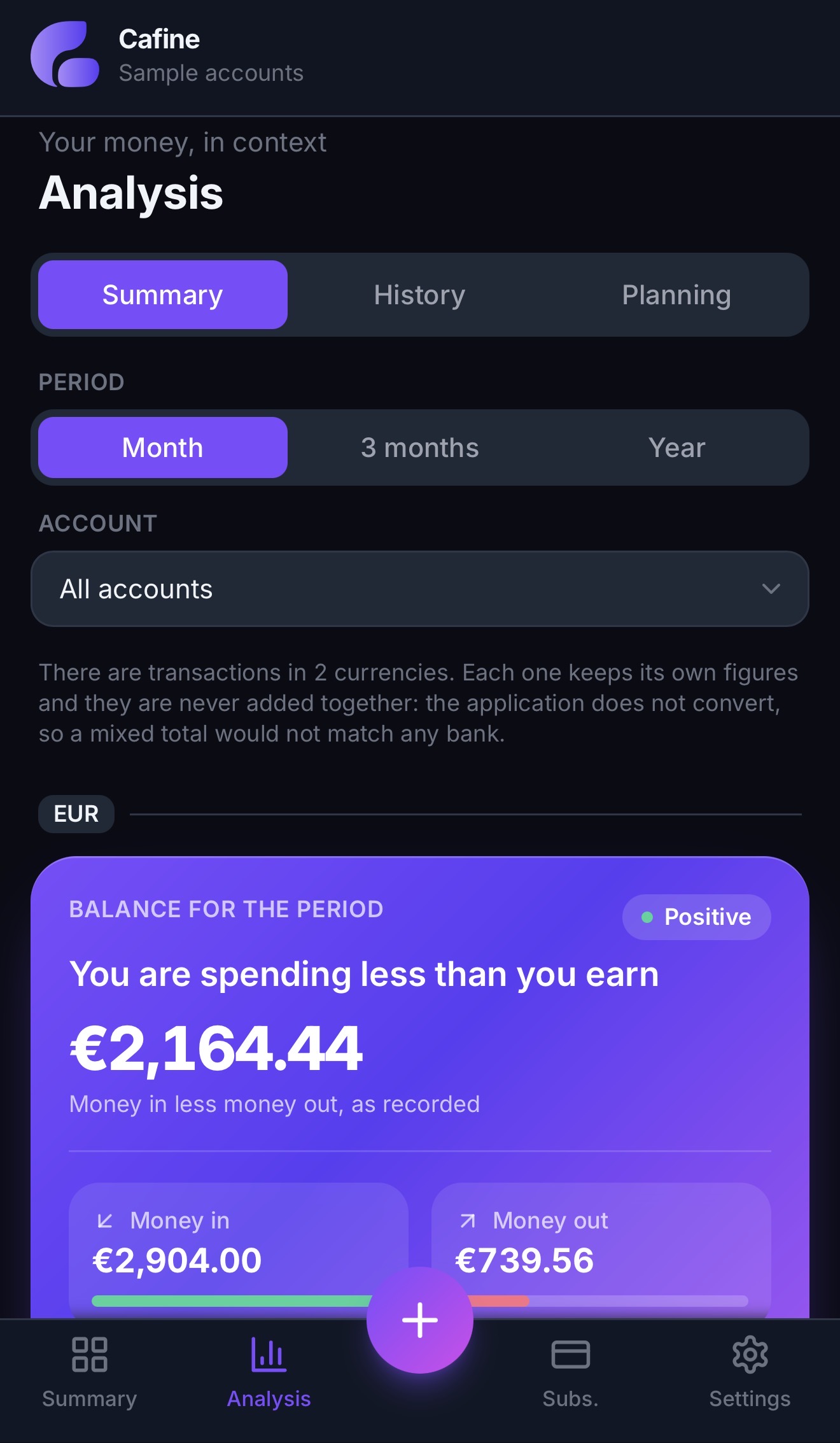
ANALYSIS AND HISTORY
Explore income and expenses by category, account and period. Compare months and follow your history, with separate totals for each currency.
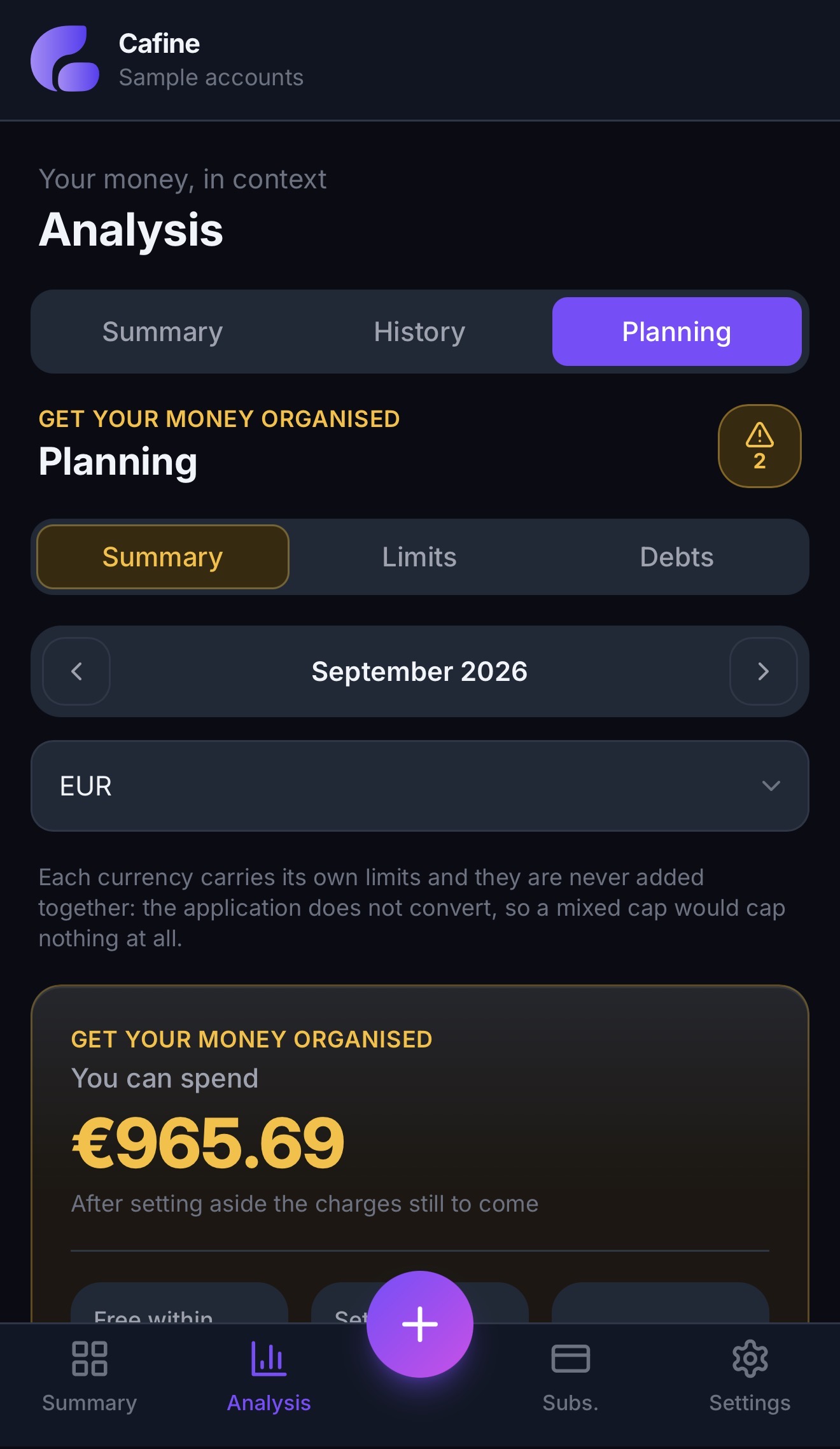
BUDGETS BY CATEGORY
Set monthly limits by category and currency. Planning shows what you have spent, what remains and upcoming subscription charges.
MULTIPLE CURRENCIES
Record the original amount and its equivalent in your main currency. Request the transaction date’s rate when available, or enter the amount yourself to match your bank. Balances and analysis totals stay separate by currency.
120,00EUR
198,45AUD
85,00USD
For business
New accounts start in Personal mode, with a single amount field. Switch to Personal + business in Settings → General to add net amount, VAT, transaction scope and reimbursements. Existing records stay unchanged.
Record the net amount, VAT and total on each transaction when Personal + business mode is enabled.
Flag what you're owed, record the repayment when it lands, and keep what's still outstanding in plain sight.
Payments and receipts that come round again, with their status and the next renewal date on show.
What you owe and what you're owed, with part payments and the balance still to settle.
Install and configure the Shortcut to record transactions from your home screen. The Shortcut interface is in English.
Connect your Airtable account and choose a destination to export your transactions. Export is one-way; it does not synchronize edits back to Cafine.
LESS GUESSWORK. MORE CLARITY.
Explore accounts, sample transactions and analysis without signing up. Changes last only for the demo session. Receipt uploads, external integrations and live exchange rates are not available in the demo.
See the demoNo account, no email address, nothing saved.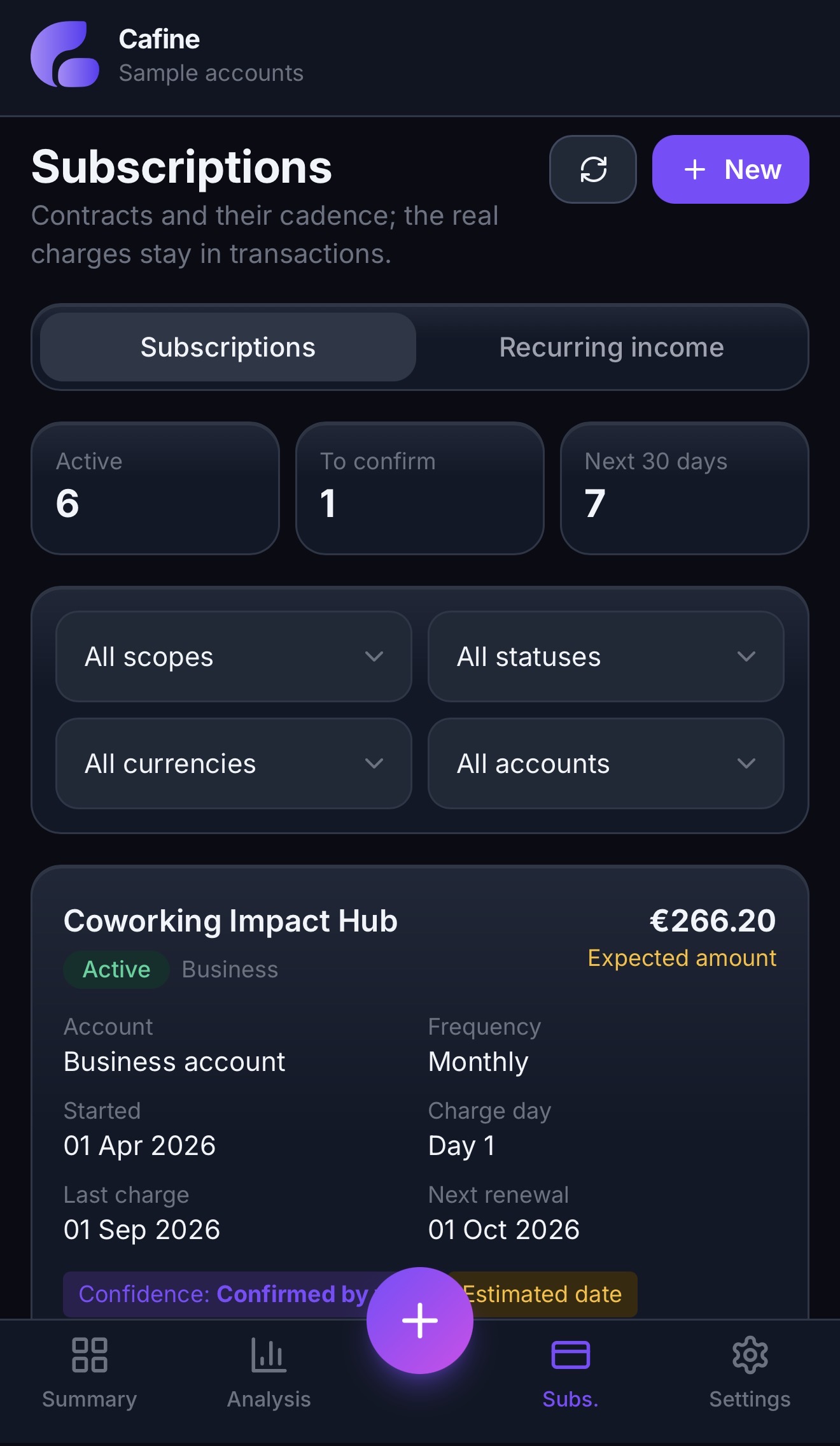
FAQ
Yes. The interactive demo lets you explore the app with sample data, without an account or email address. Nothing you enter in the demo is saved.
You create accounts and record transactions yourself. Cafine does not currently synchronize bank transactions automatically.
Yes. Personal mode is the default. Enable Personal + business in Settings → General for VAT, transaction scope and reimbursements, without changing existing records.
Cafine works in your mobile or desktop browser and can be added to your home screen. An iPhone Shortcut is available to install and configure for recording transactions; its interface is in English.
Eligible accounts get a 30-day trial when starting a subscription through Stripe. After the trial, the selected plan is charged unless you cancel beforehand. An account that has already used its trial does not get another.
30-day trial for eligible accounts. Subscription starts through Stripe; cancel before the trial ends to avoid the plan charge.